
CERF 6.0 Documentation
Go to CERF 5.3 Documentation
The CERF Desktop App is available for Windows, Macintosh, and Linux machines.
You can download a copy from https://lab-ally.com/download/
If you don’t have the password needed to access the download page, you can email support@lab-ally.com for assistance.
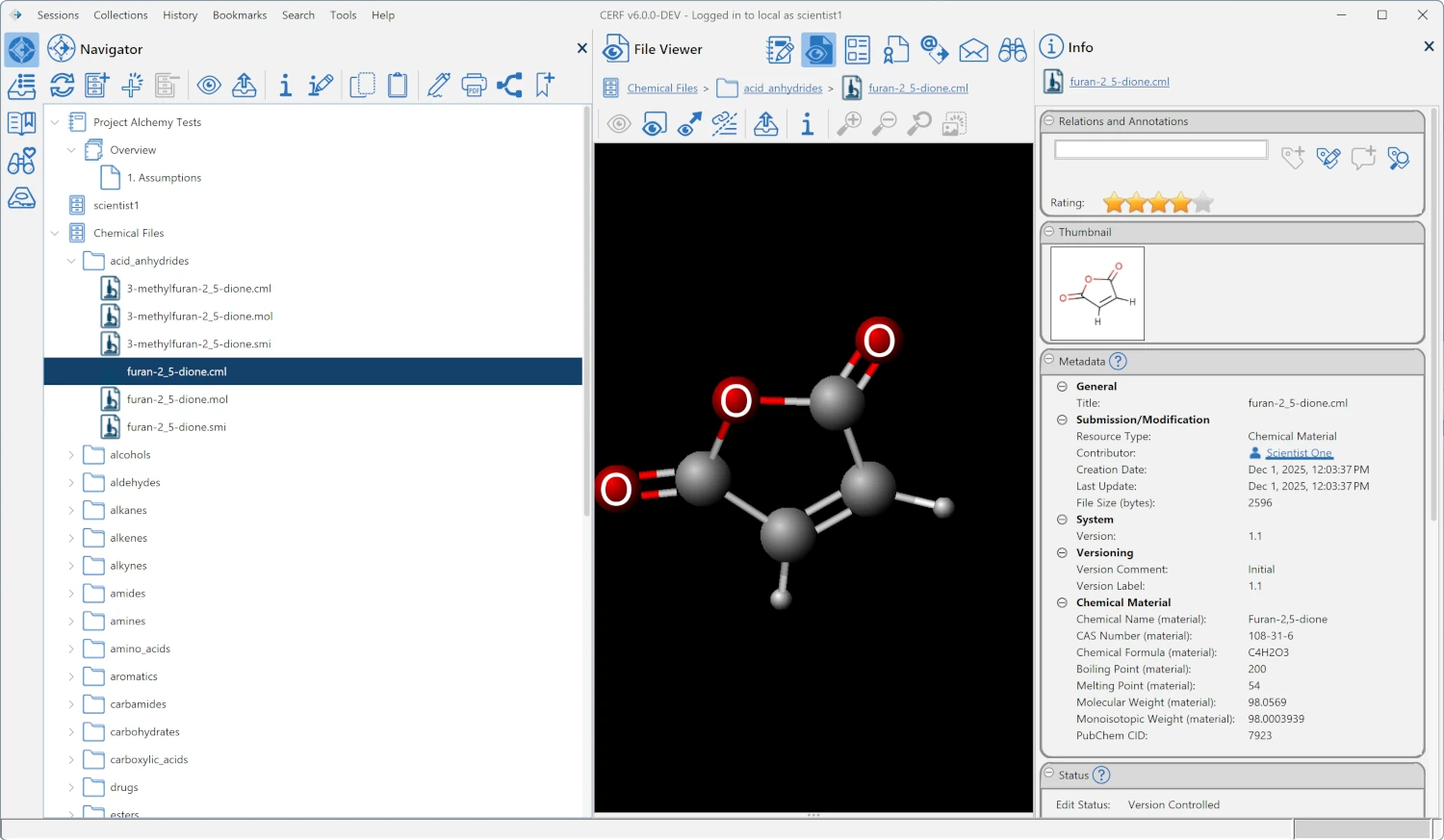
CERF™ (the Collaborative Electronic Research Framework) is an Electronic Laboratory Notebook (ELN) and data management system that saves time and increases accuracy and compliance of your day-to-day operations. With CERF, it is easy to record your ideas and observations as well as capture, store, and retrieve your data. Using the CERF client you will be able to:
- Work collaboratively yet securely within a workgroup setting that provides a full range of access control
- Customize your user experience by setting your own preferences
- Annotate images
- Create and use templates to increase the accuracy and efficiency of your normal workflows
- Digitally sign any part of a Notebook; take advantage of customizable signature workflows
- Email data files directly to CERF
- Create links to files located elsewhere within your network
- Search using full-text, metadata, and controlled vocabularies
- Print and export Notebooks and selected data files as .PDF documents
- View Notebook Entries and data files inline (1)
- Mark Controlled Documents as “read and understood”
- Add bookmarks so that you quickly locate important or current resources
- Create placeholders specifying files to be added later
- Create a diverse range of Notebook Entries, including tables, audio files, mind-maps, free-hand drawings, chemical structures, and more.
As well as replacing your paper notebooks, CERF is also a full-featured document management system that provides controlled access to resources based upon authenticated user permissions and access roles. Resources are curated in a way that supports selective online access by authorized users and centralized, ultra-long-term storage of your most important data in a stable environment designed to keep your data safe for decades to come.
The CERF system is extensible. Lab-Ally offers configurable workflows, such as the digital signature workflow. Digital signatures provide a way to guarantee resource security and authentication and to meet standards such as 21 CFR part 11. Lab-Ally Professional Services can create controlled vocabularies and source object types that meet the requirements of your organization. Please contact your system administrator or Lab-Ally for more information.
See the Lab-Ally website for more information about Lab-Ally and our products.
 For instant help while you are working, click on the small iHelp icons located throughout the application:
For definitions of terms, refer to the CERF Glossary.
(1) – CERF is capable of displaying many file types within CERF. Specialized file types that are not yet available will show a file icon with link to view in an external application. Talk to Lab-Ally Support about future support for your specialized file types.
Sections in this Topic
- Features
- Log in
- User Interface
- File Cabinets
- Notebooks
- Data Management
- Access Control
- Digital Signatures
- Notifications
- Search
< User Manual up Features >