
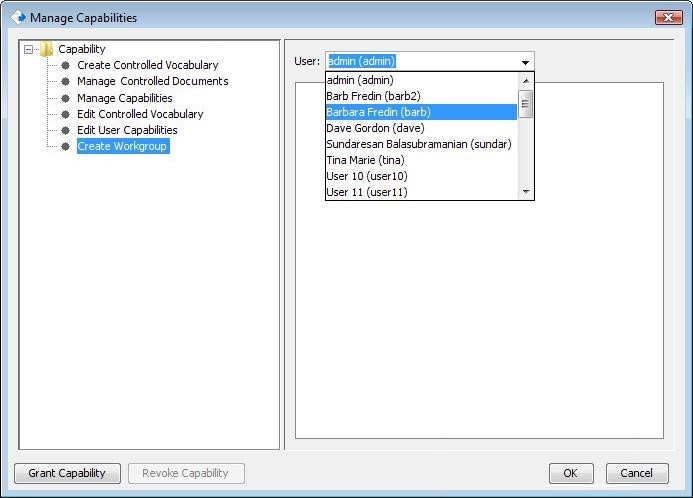
Controlled Documents is now a capability. System Administrators and those with the “Manage Capabilities” role can assign or revoke the “Manage Controlled Documents” capability. Capabilities can be accessed through the toolbar at the top of the CERF window by selecting Sessions > Manage Capabilities.
Select the Manage Controlled Documents from the list and add the relevant users.
.
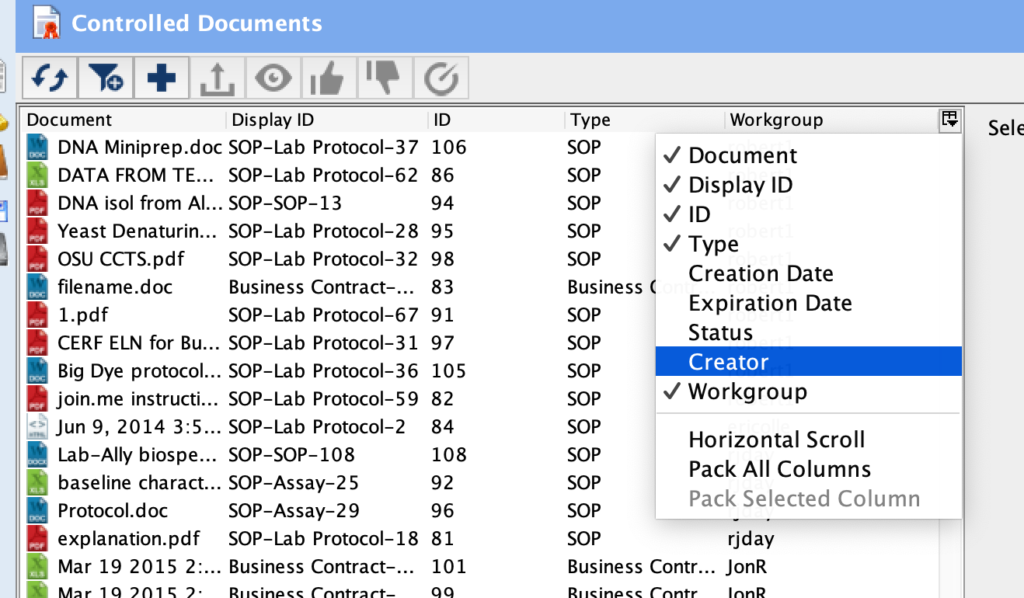
With this capability, you can sort by creator enabling you to contact specific creators if their controlled document is no longer necessary and can be inactivated.
While you can see all of the controlled documents in the list, if you are not in the workgroup or do not have permission to use the document, you will not be able to open and view the document. Instead you will see the following:
