
CERF 6.0 Documentation
Go to CERF 5.3 Documentation
Although your organization may not require digital signatures, CERF provides this feature. An electronic signature, which is the legal equivalent of a hand-written signature, captures the printed name of the signer, comments, and date/time of signing. After a Resource has been electronically signed, the electronic signature becomes a part of the document (i.e., the electronic signature cannot be removed) and the record cannot be changed (a new version is created).
Users can also have a Digital Signature Image.
Users have one electronic signature, which is unique, authenticated, and protected from tampering.
Printed Signatures
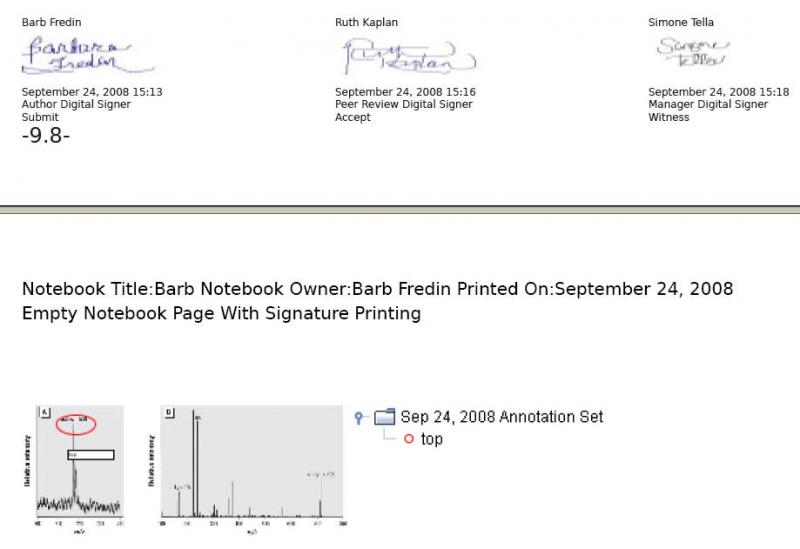
The default business policy setting displays signatures in the printed copy, if the resource has been signed. If your CERF administrator has uploaded a signature image, you will see that in addition to your printed signature.
The printed copy displays the signatures (Signer Name, time and date, and signature image if available) at the bottom of each printed entry on the page.
Sections in this Topic
< Updating up Requirements >