
This topic explains how to add a Structured Data Entry into a Notebook.
1) Navigate to a notebook page, click the New Entry  button.
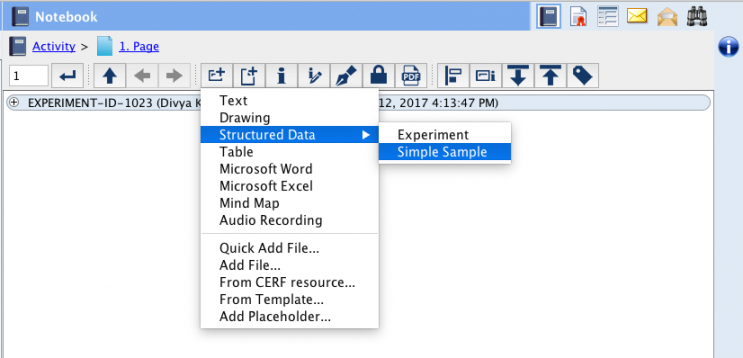
2) select “Structured Data” from the dropdown menu and select either Experiment or Sample.
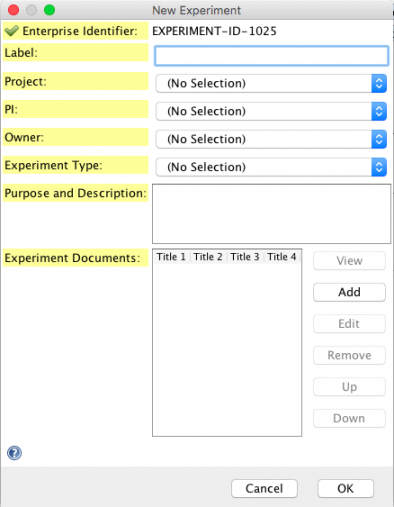
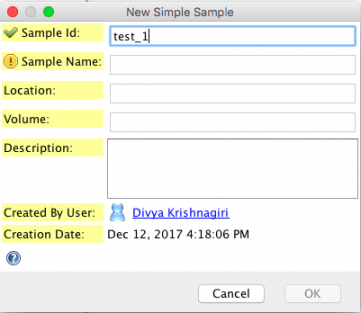
3) They are now viewable within the notebook and can be edited and collapsed using the icons on the toolbar.
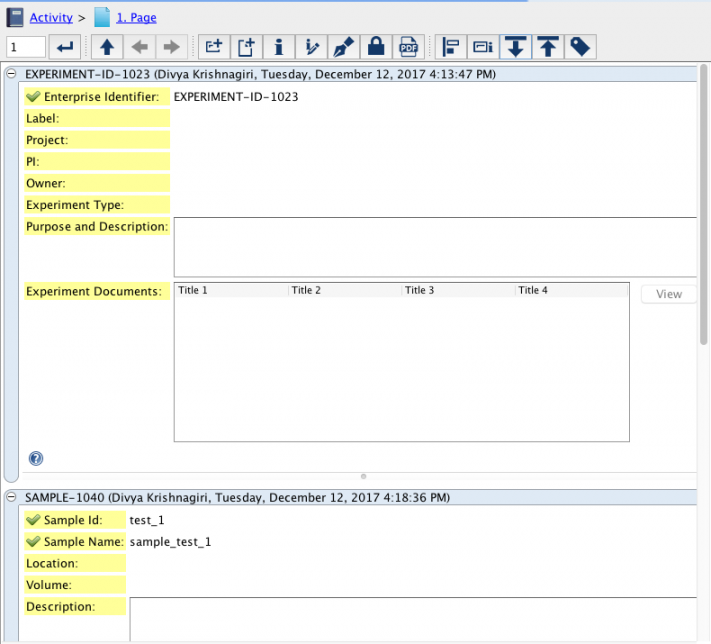
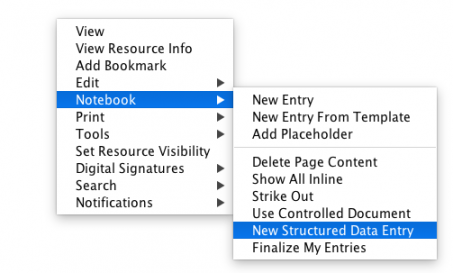
4) You can also right click anywhere on a notebook page and select Notebook > New Structured Data Entry
5) You can also select a SDIMS card from the Data and Forms panel, then drag and hover over the Notebook Viewer Icon, then drop the SDIMS card onto an open area of the Notebook.
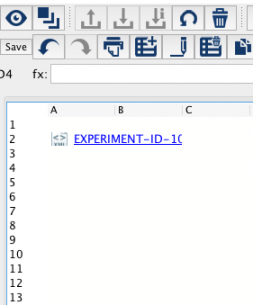
6) You can also create a table entry in the Notebook, check it out for editing, and drag and drop the experiment/sample onto a cell of the table.
See Also:
< CERF Text (html) up Audio Recording >