
You can link CERF resources to a specific cell within your Table. This can be done by simply dragging the file from the document tree into the cell, or by using the “Insert” button and selecting CERF Resource.
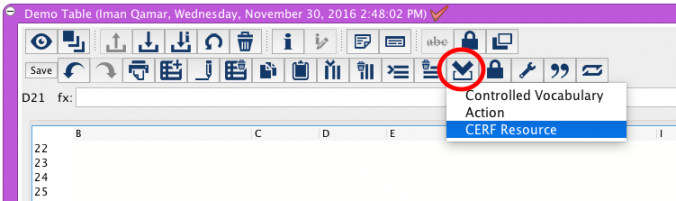
CERF will then create a specific version of that file and link it to the cell. Therefore, changes made to the original file will not be associated with the link after it has been established. If you wish to update the version of the document within the Table’s cell, your best course of action is to find the version you desire by using the “View Resource Info”, and drag the version into the cell.
< Actions up Table Functions/Calculations >