
CERF 6.0 Documentation
Go to CERF 5.3 Documentation
In CERF, you can customize your own experience in several ways. To set your user preferences on PC, Select Tools > Options from the main menu in CERF. On Mac, find this under the Application (CERF) menu:
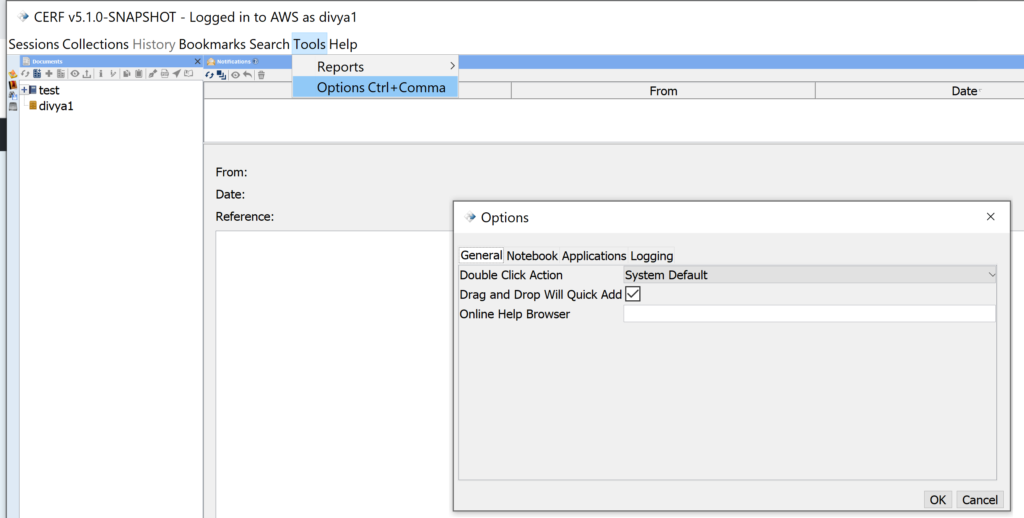
The Options Dialog opens showing the General Tab.
There are four tabs: General, Notebook, Applications, and Logging.
Sections in this Topic
< Main Menu up Options – General >