
CERF 5.3 Documentation
Go to CERF 6.0 Documentation
Captions can be added to Resource-type Entries, but not Text Entries. You cannot add a caption to a text Entry because text Entries are created in the text editor and will not be differentiated from a caption.
It is always better to add a caption to an image file than to insert an image into a text entry. This is because once you have inserted an image into a text entry, you will not be able to edit the image or get it out of the text editor for editing.
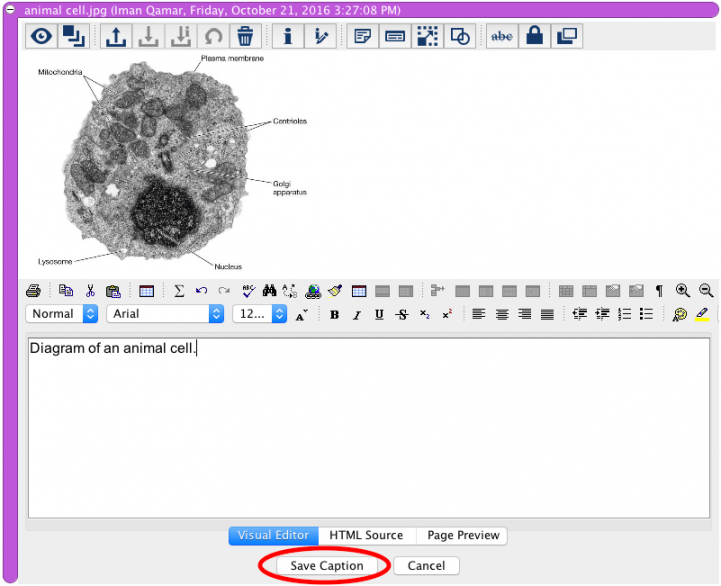
To create a caption, click on the Edit Caption button  . This opens the inline caption editor. Type in the caption text and click on the Save Caption button.
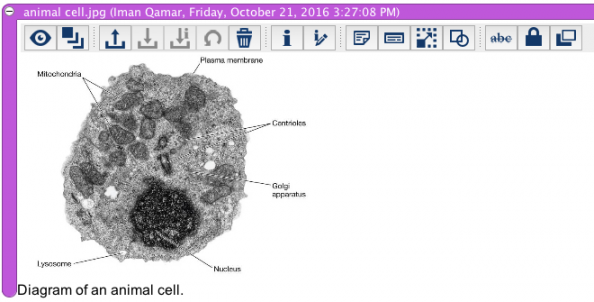
The caption appears below the Resource and can be edited later by repeating this workflow.
Note that captions are not versioned.
< Entry Toolbar up Entry Types >